Step 1
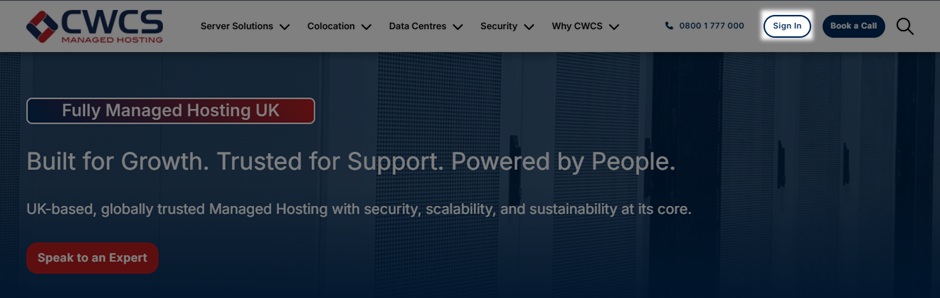
From the CWCS home page click the "Sign in” button.
Step 2
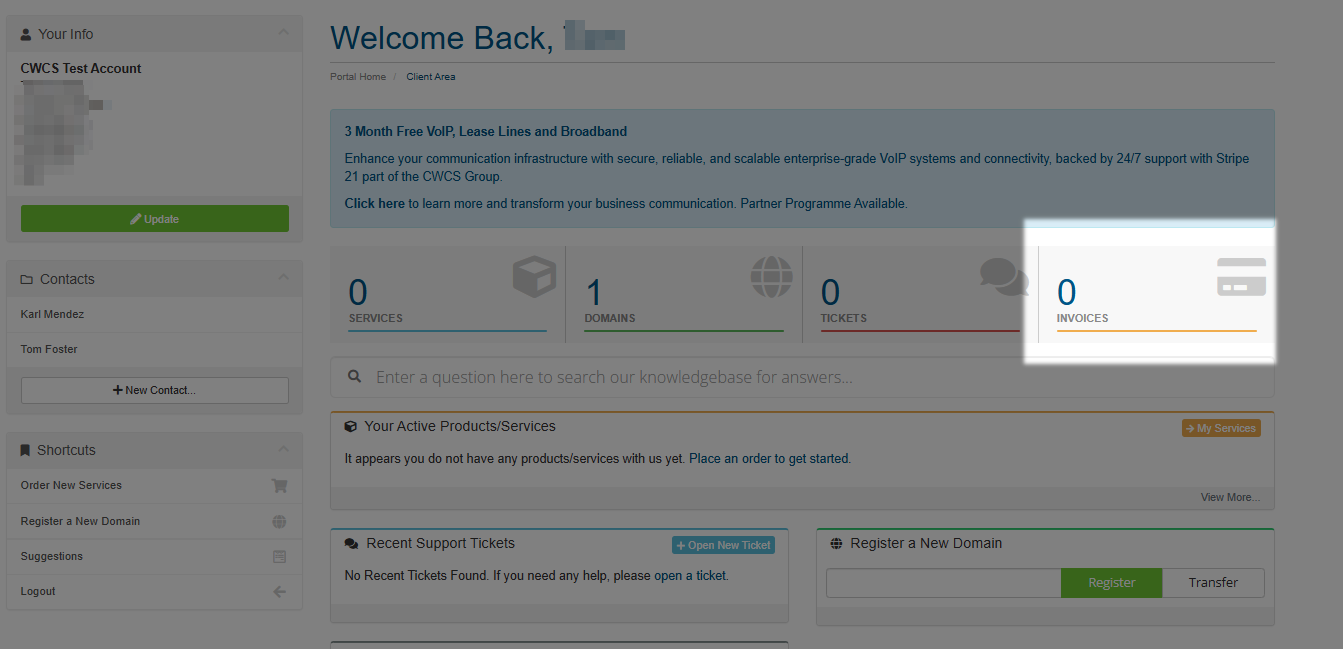
Once logged in click the orange "invoices" item on the main page.
Step 3
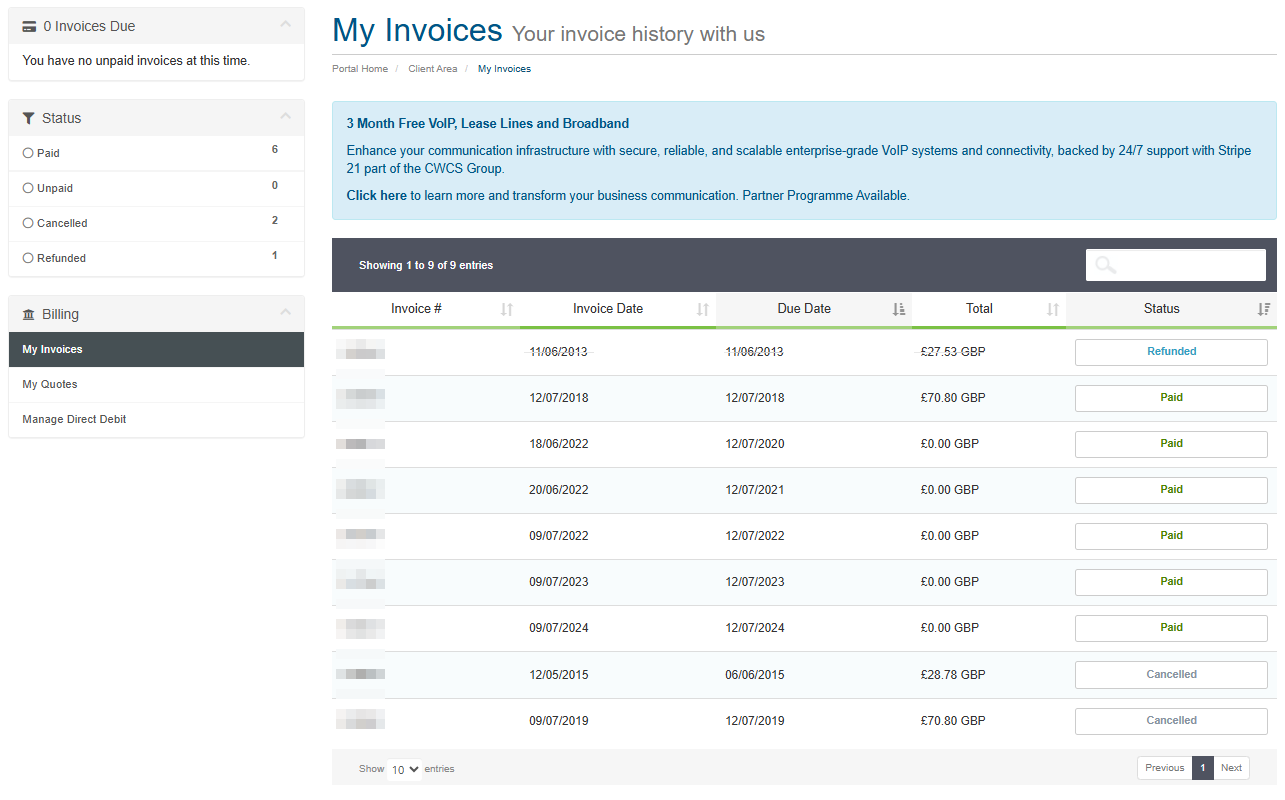
You will be able to view your individual invoices by clicking on the invoice row in the table shown.
Step 4
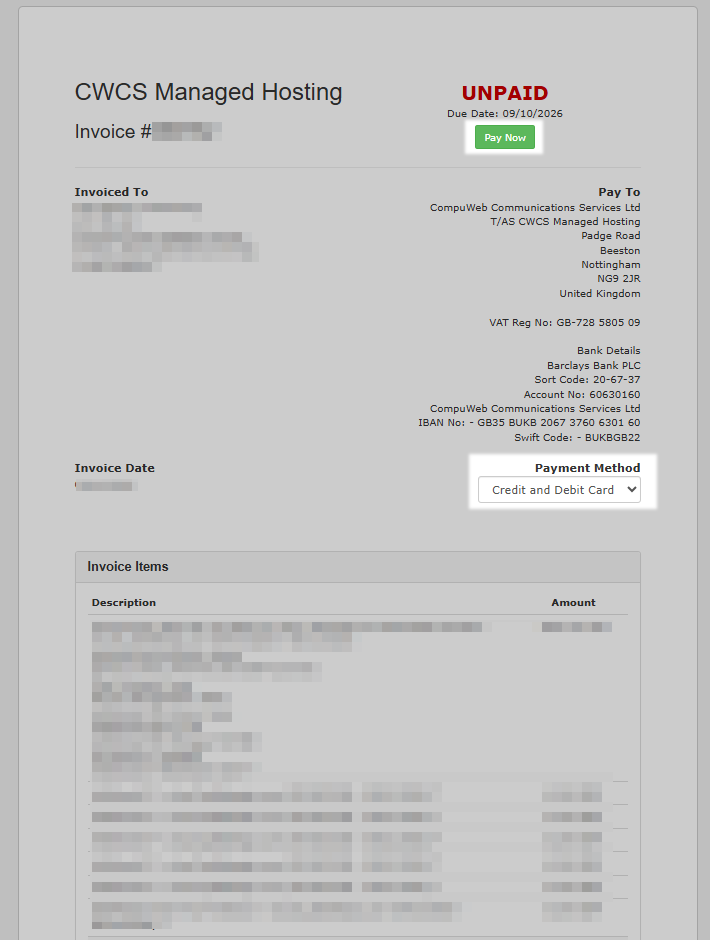
Choose your payment method and click the "pay now" button to process your payment.